Glossary and Index
Use the glossary to find what words mean. Use the index to find which page tells about a topic.
Fresh sheet anytime. Tap New sheet or reload for a different one. Tap + for up to 10.
This is sheet #82324601.
How to do it
- Use the glossary to find what a word means.
- Use the index to find the page for a topic.
- Answer each question.
Teaching tip
Both are in ABC order, so start by finding the first letter of the word. This sheet is aligned with Common Core RI.3.5.
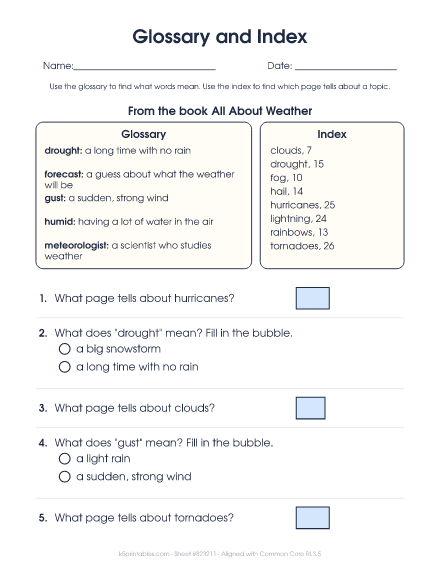
About this worksheet
A short glossary and index from a nonfiction book, with questions that use each one.
What kids practice
Text features are the parts of a nonfiction book or article that help readers find and understand information, like headings, captions, diagrams and the glossary. Third graders learn what each feature is for and use them to find answers quickly without reading every page.
Watch for
- Skipping captions, labels and diagrams.
- Mixing up the glossary (what words mean) and the index (where topics are).
- Mixing up the table of contents (chapters in order) and the index (topics A to Z).
It's free to print, with Fewer, Standard or More on the page and an answer key. See the full text features guide for 3rd grade.
More sheets in this set
- See it all
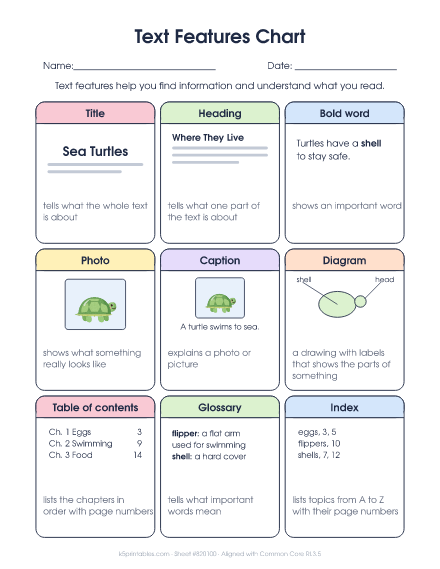 1. Text Features ChartTitle, heading, bold word, photo, caption, diagram, table of contents, glossary and index, each with an example.
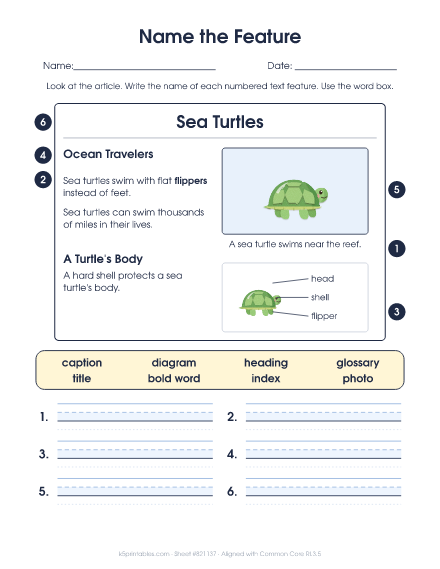 2. Name the FeatureA sample article about bees, volcanoes, sea turtles or frogs with six numbered features to label.
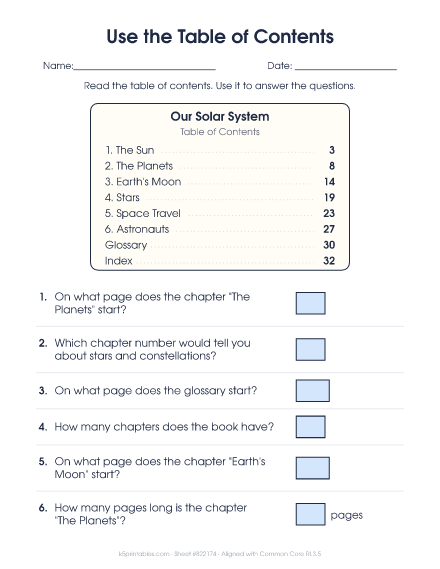 3. Use the Table of ContentsA book's contents page with questions about which page and which chapter to turn to.
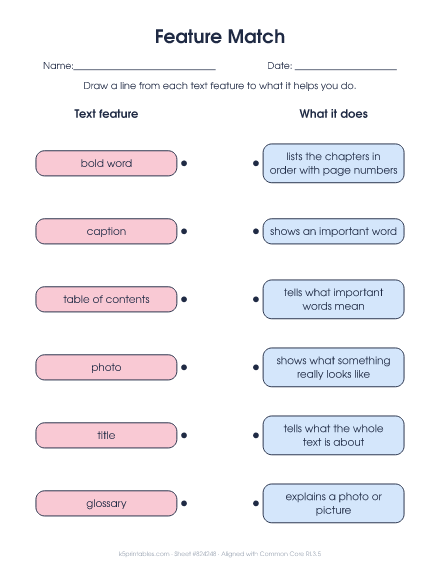 5. Feature MatchMatch text features like caption, glossary and index to what each one does.